Your profile and settings
Your profile and settings#
Your settings are yours. Open them from the round button beside your name, at the bottom of the rail.
- Takes
- 2 minutes
- Needs
- nothing
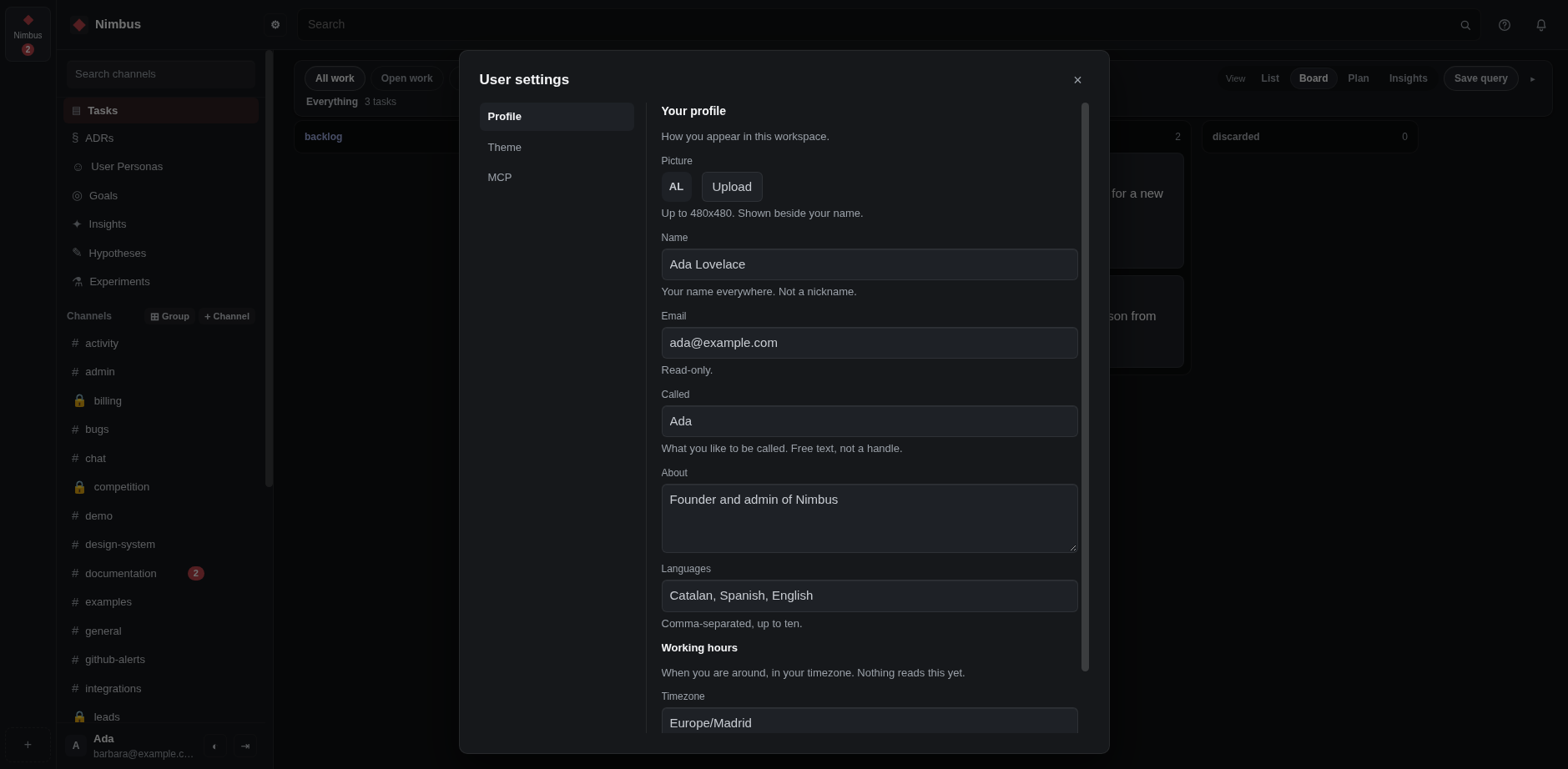
- Set your name and picture. Your name is what every message is signed with.
- Set the languages you speak and the hours you are around, so people know when to expect an answer.
- Pick a theme. The choice stays on this machine, and your team is not told about it.
The panel also has a tab for keys that let a tool act as you. If you do not know why you would want one, you do not need one.