Replies and threads
Replies and threads#
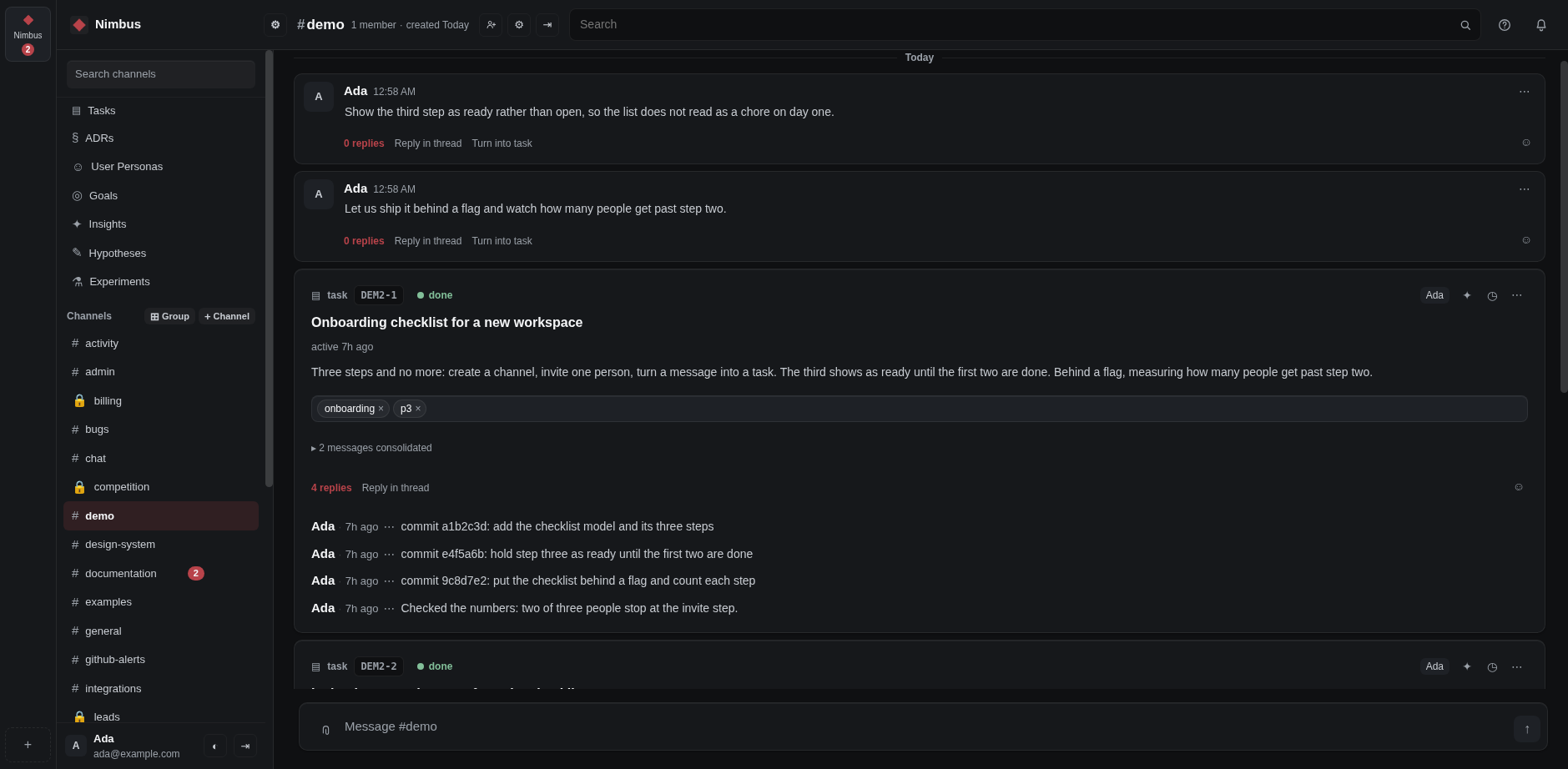
A reply stays next to the message it answers, so one answer does not push the rest of the conversation away.
- Takes
- a minute
- Needs
- a message to answer
- Hover the message you want to answer and choose Reply in thread.
- Write your reply and press Enter.
- The thread opens under the message. Everybody in the channel can read it and add to it.
Use a thread when the answer concerns a few people, and write in the channel when everybody should see it.