Turning talk into a task
Turning talk into a task#
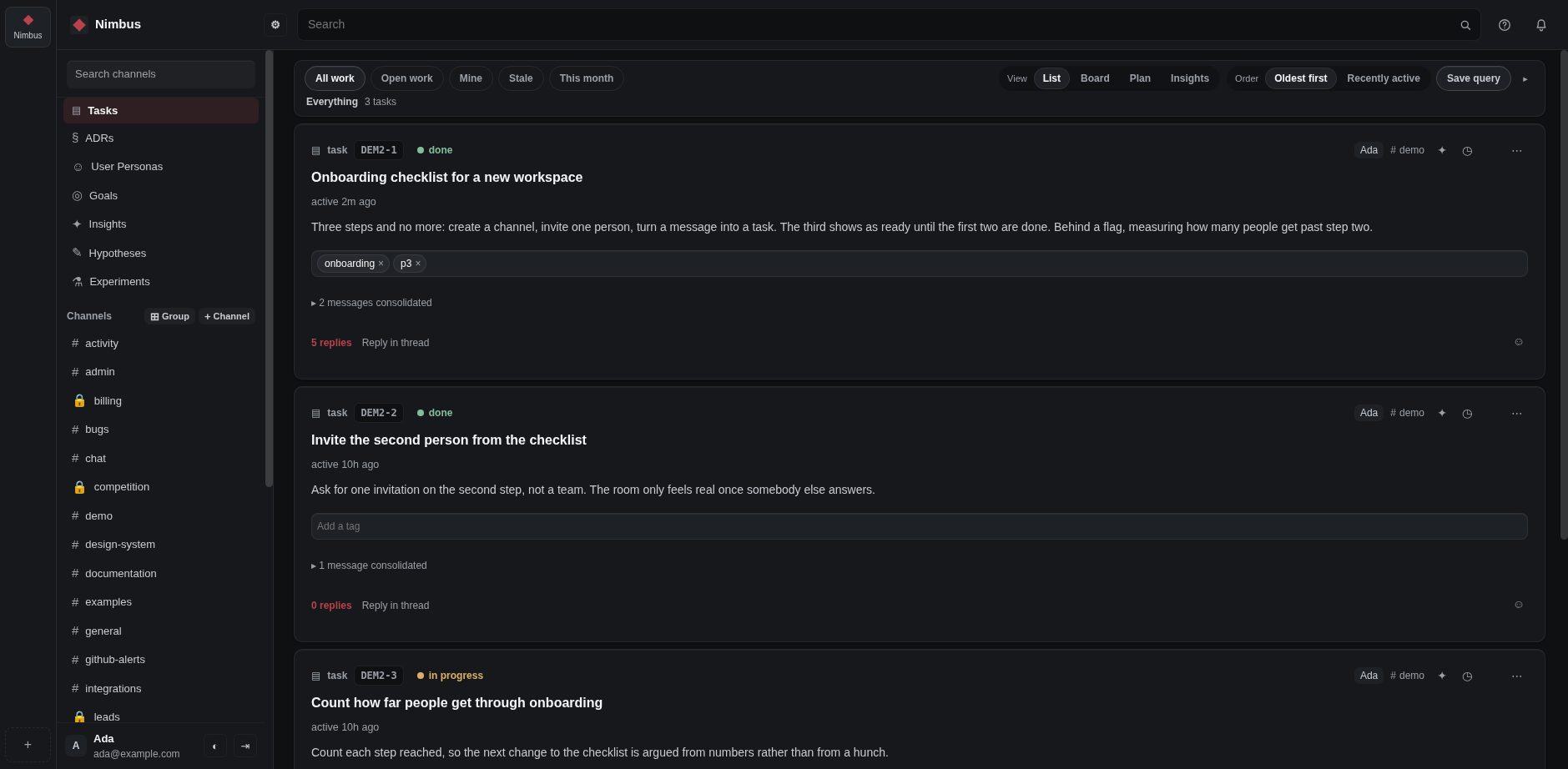
A task holds the messages that decided something, and it is work somebody owns.
- Takes
- 5 minutes
- Needs
- messages to turn into one
Make one#
- Hover the messages that matter and tick the box beside each one. Hold Shift to pick a run of them.
- A bar appears at the bottom. Consolidate into new makes a task of them: give it a title, and add a description or tags if you like.
- The caret beside it offers the other kinds: an ADR, a user persona, a goal, an insight, a hypothesis or an experiment.
- Pick one and the form asks that kind's own questions: an ADR its owners and its decision, a persona its goals and pains, a goal its metrics, an insight its confidence.
- A hypothesis is asked its success criteria, and an experiment its result and its dates.
- Create it. What you made appears where the messages were, and stays joined to the conversation it came from. The card's menu changes what it says later.
Add to a task that already exists#
- Tick the messages, then choose Add to a task on the bar, the button beside Consolidate into new.
- Pick the task: type part of its name, or its key like INC-1.
- The messages join that task and leave the conversation, the same way they do when you group them.
Move it along#
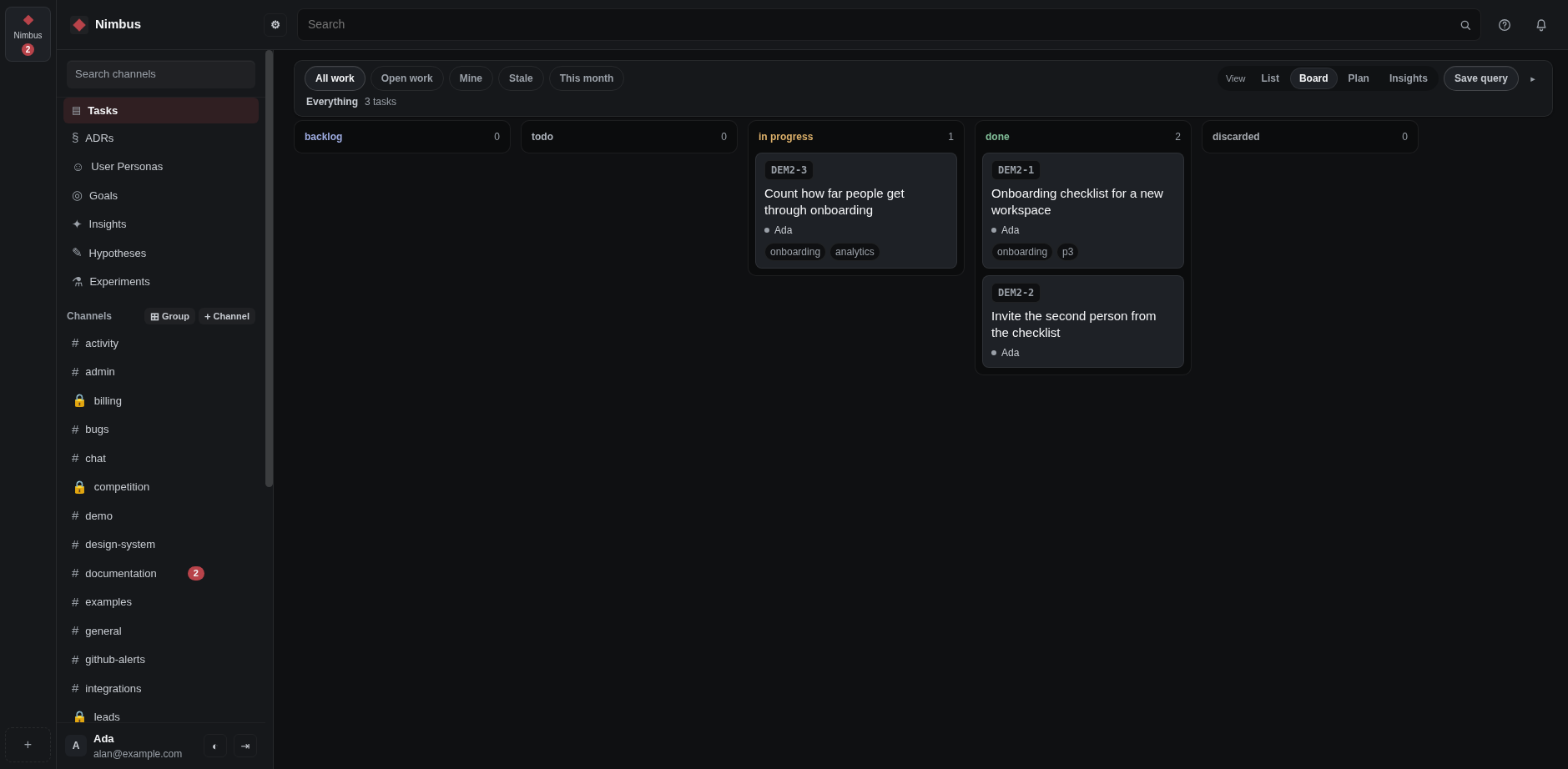
- Open the task and change its status: todo, backlog, in progress, done or discarded.
- Look at the task from time to time to see who has picked it up.
Hand it to somebody#
- Open the task and start typing a name. Pick the person from what appears.
- To take something on yourself, press Assign to me.
Say what waits for what#
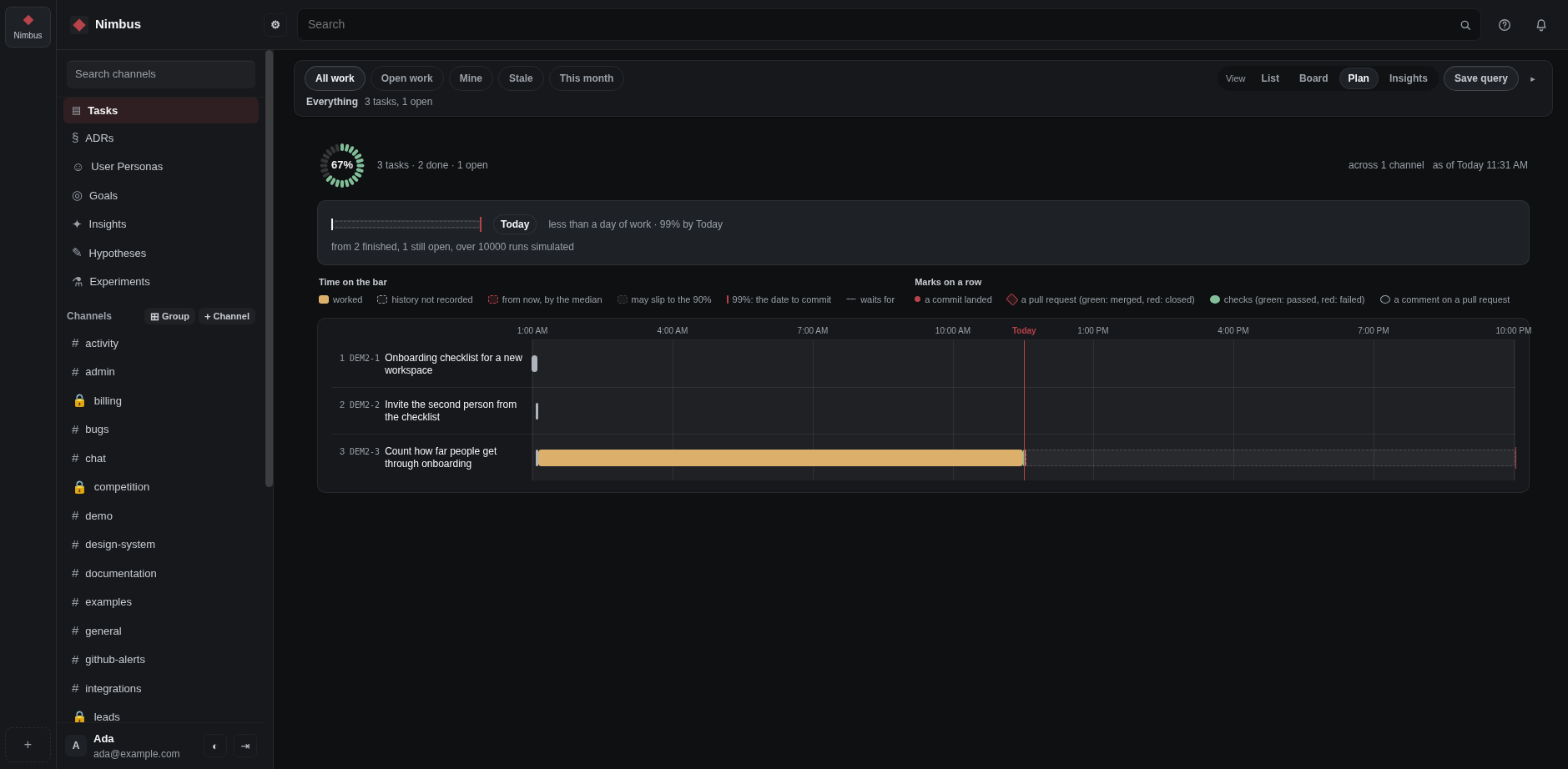
A task can require another one, block another one, or duplicate one. Say so and the plan knows the order the work can really be finished in, and which dates cannot both be met.
Every task has a key, like GEN-1. Use it anywhere to point at that task.