Keeping up with what happened
Keeping up with what happened#
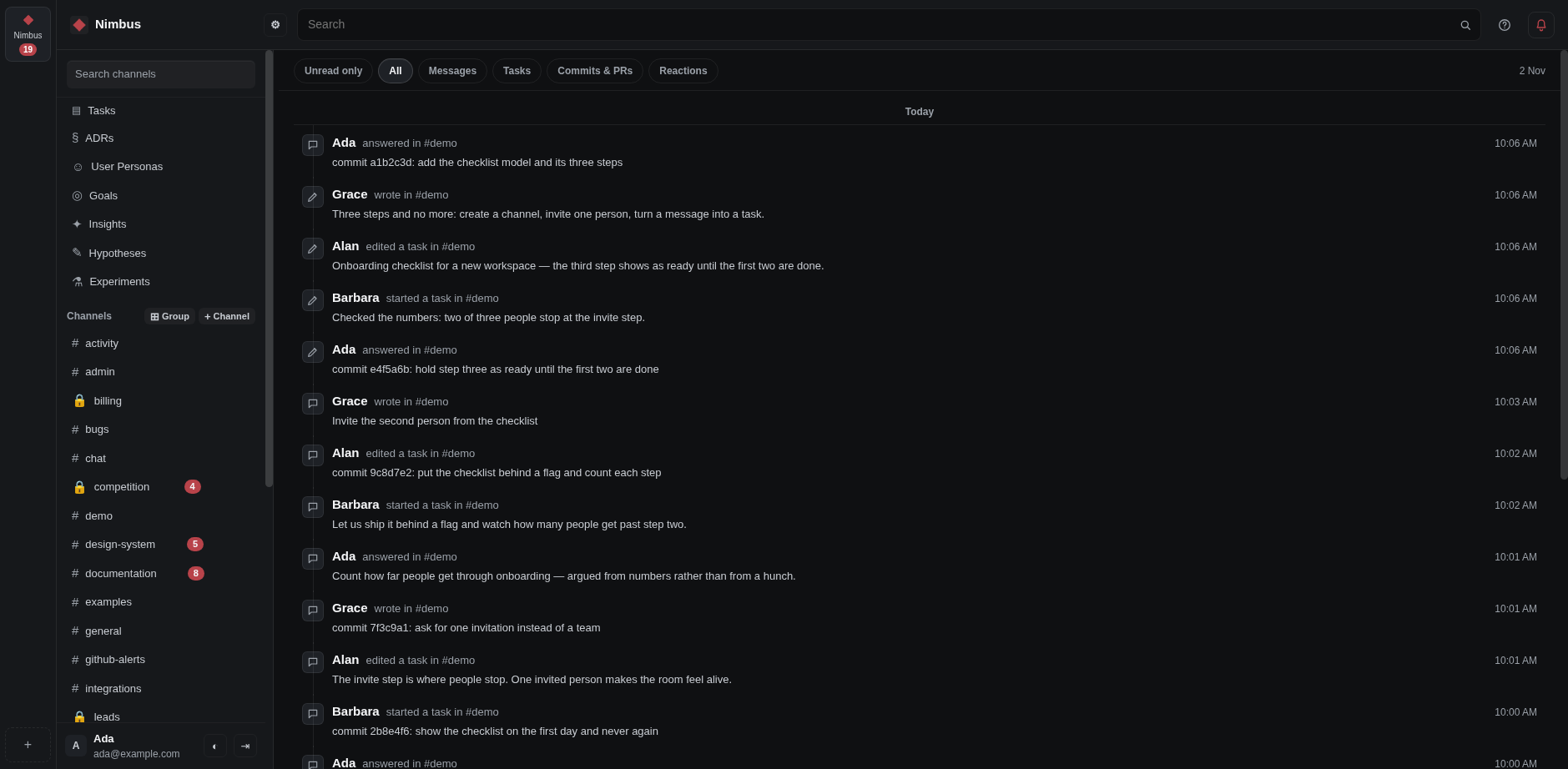
You do not have to read every channel to know what is going on.
- Takes
- a minute
- Needs
- nothing
- Open Activity to see what happened while you were away.
- Channels with something new are marked in the rail, so you know where to look.
- Silence a channel that is not your business, and it stops showing as new.