Guildbeta

Writing a message

← The whole manual

Writing a message#

Type in the box at the bottom of a conversation and press Enter.

Takes
a minute
Needs
a channel
  1. Press Enter to send. Press Shift + Enter to write a second line.
  2. Type : and a few letters to pick an emoji by name.
  3. Click the paperclip, or drop a picture on the box, to attach it.
  4. Hover a message to react to it with an emoji, or to answer it in a thread.

A message you sent by mistake can be deleted. Your own messages are yours to remove.
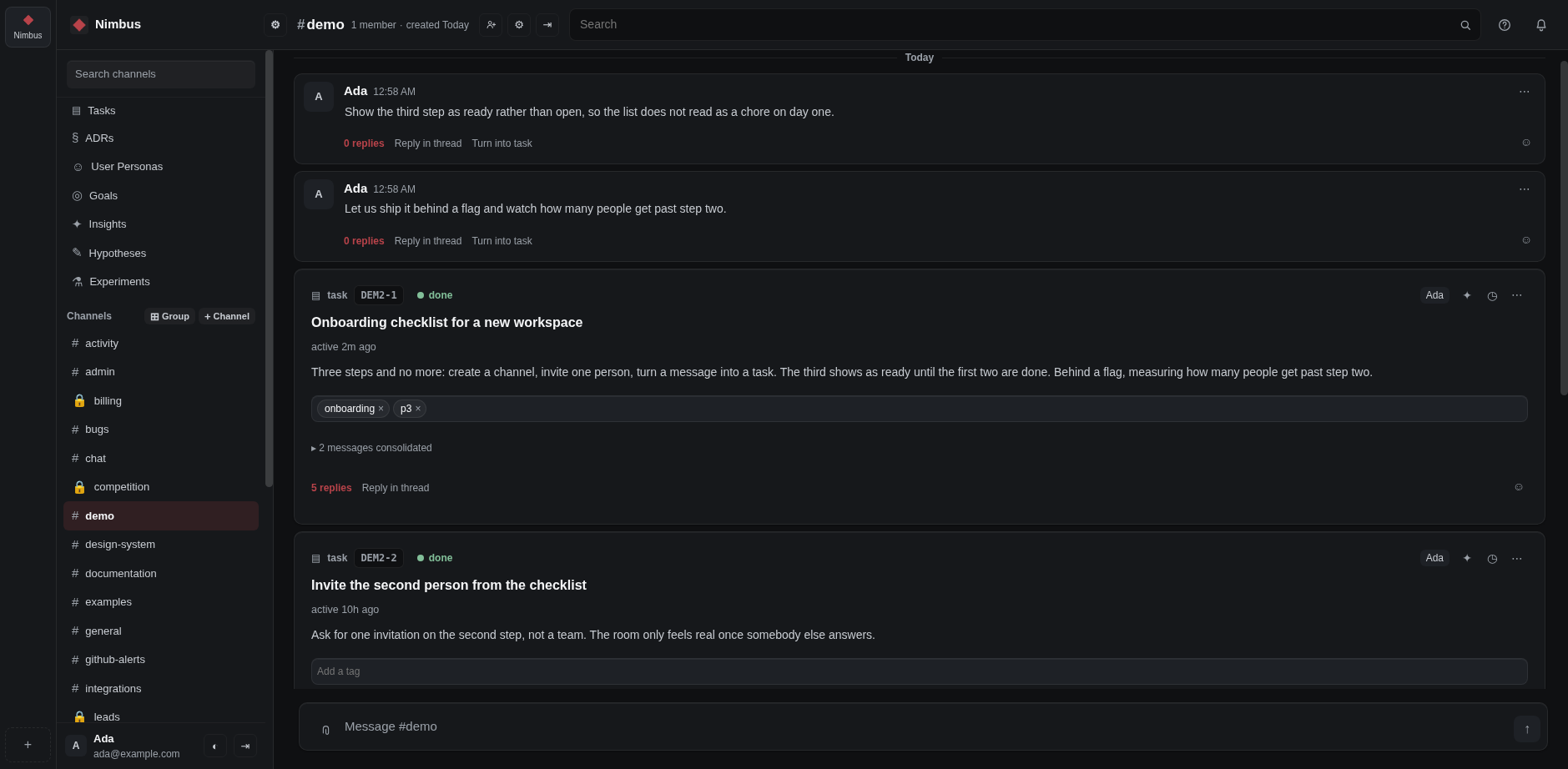
A channel: what each person said, in order, with the day broken into its own band and the foot of every message saying what happens next.
A channel: what each person said, in order, with the day broken into its own band and the foot of every message saying what happens next.Open full size
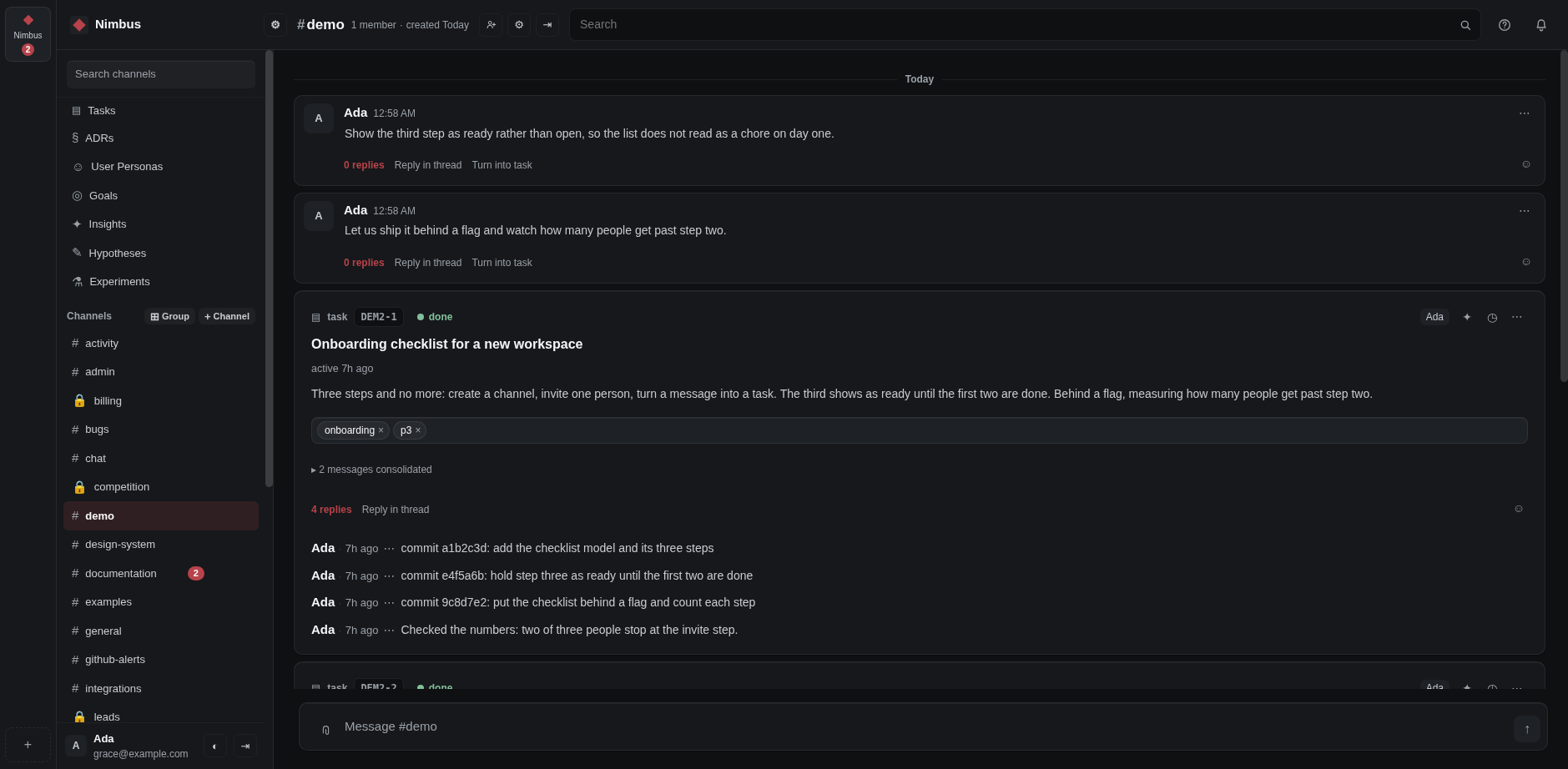
A channel: what each person said, the task those messages became, and the replies it has collected.
A channel: what each person said, the task those messages became, and the replies it has collected.Open full size